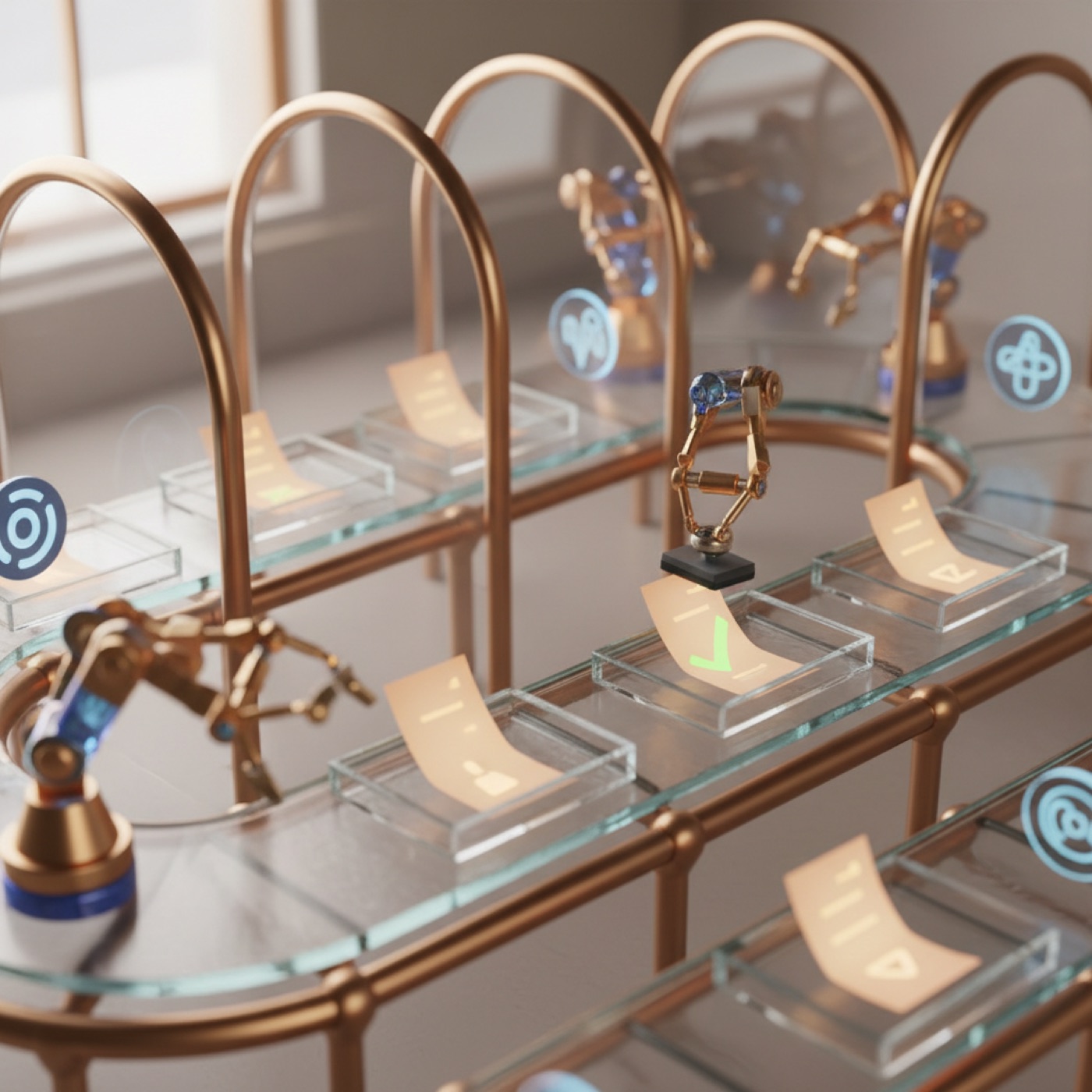
The AI Notetaker joins your call, writes the minutes, and turns what was said into assigned tasks with due dates, without anyone taking notes.
Send the bot into a Google Meet, Teams, Zoom or Jitsi call and it transcribes live, speaker by speaker. Prefer not to have a bot? Paste a transcript or upload a recording and get the same result.
When the meeting ends, Vivotics writes a clean summary and decisions doc, then pulls out the concrete action items, matching each to the right person or client and estimating a due date.
Review the suggested tasks and accept the ones you want. Each becomes a real Vivotics task linked back to the meeting, so follow-through happens on the same board your team already lives in.
An AI meeting notetaker is a tool that records or joins a meeting, transcribes what everyone says, and produces written minutes automatically. The Vivotics AI Notetaker goes further: it also extracts the action items discussed and turns them into assigned tasks with due dates, on the same board your team already works from.
The Vivotics Notetaker bot can join Google Meet, Microsoft Teams, Zoom and Jitsi calls as a participant. You can also paste a transcript or upload a recording, and it will produce the same minutes and suggested tasks.
Yes. After the call, Vivotics reads the transcript and suggests concrete action items, matching each one to the right teammate or client and estimating a due date. You review the list and accept the items you want, and they become real tasks linked back to the meeting.
Yes. Connect your Google Calendar and schedule the meeting from Vivotics: it creates the event with a Meet link, emails the invites, and the notetaker joins by itself at the start time.
Meetings can be marked confidential so their minutes are never shared with clients, and AI processing is metered per seat so admins control who can use it. You choose the AI provider that processes transcripts.
Our experts will show you how our app can streamline your team’s work.
Free forever. No credit card.