NEW: Task approval workflows. Client or manager sign-off before work counts as done. See how NEW: Automations. If/then rules that assign, notify and chase for you. See how NEW: E-signatures. Route contracts through ordered signers with a full audit trail. Learn more NEW: Client portal 2.0. Action items, magic links and proofing for every client. Take a look NEW: Email-to-task, intake forms and docs. Work flows in; nothing gets lost. Read the docs
TIME TRACKING

Every billable minute, captured

Timers on tasks, timesheets by week and reports your clients will not argue with.

Get started. It's FREE Free forever.
No credit card.
Every billable minute, captured

Start a timer, stay in flow

One click on any task starts the clock. Pause for breaks, resume, and the log lands on the right project automatically.

  • Task-level timers with breaks
  • Manual entries when needed
  • Active timer always visible
V SearchFK
IN PROGRESS3
Website redesign sprintAJul 14
Client onboarding flowMJul 18
Q3 invoice batchSJul 21
DONE2
Brand asset libraryZJul 02
HR policy updateRJun 28

Timesheets that fill themselves

Weekly timesheets assemble from logged timers. Approvals catch anything odd before it reaches a client invoice.

  • Weekly timesheet view
  • Approval workflow
  • Billable vs non-billable
Timesheets that fill themselves

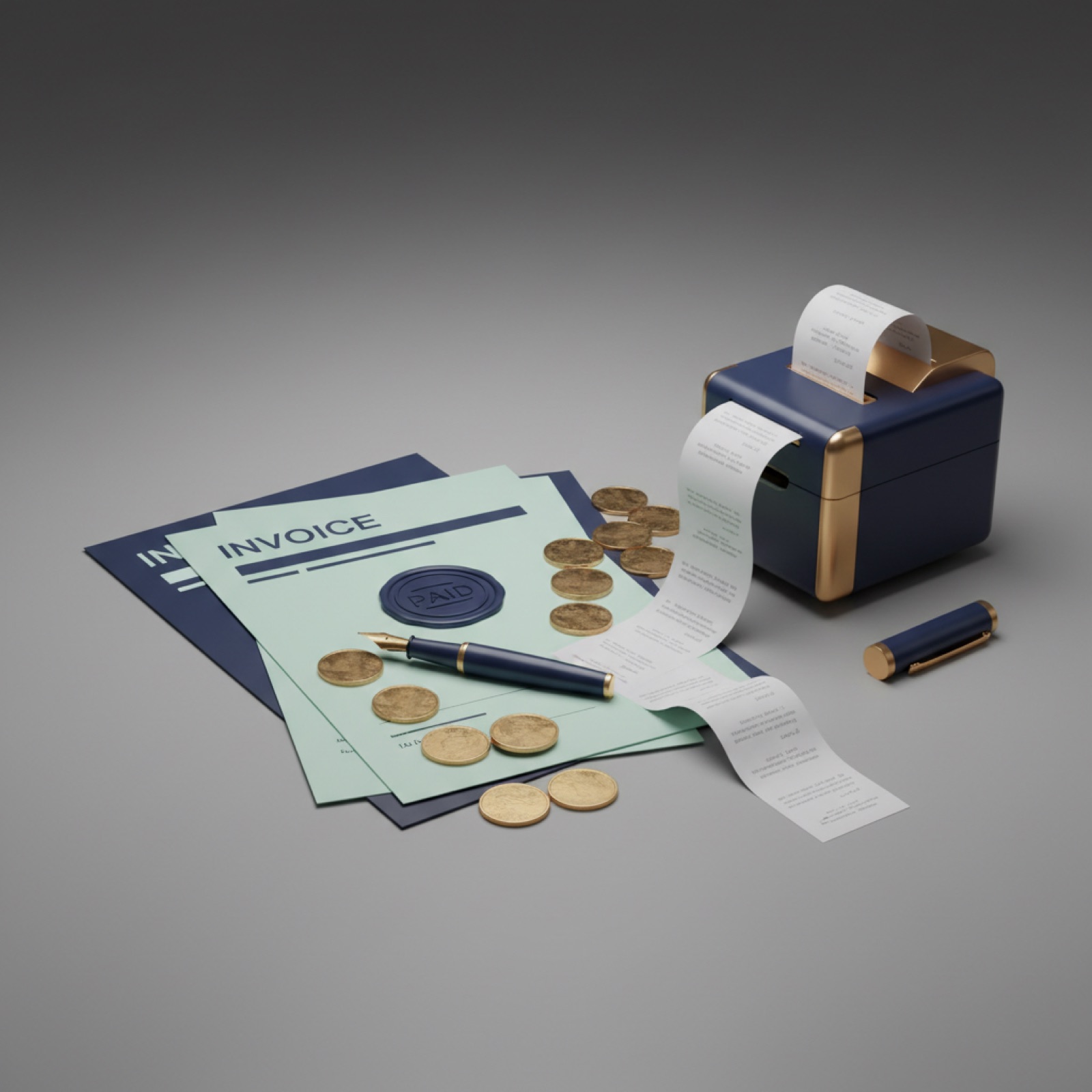
Hours become invoices

Approved time converts into invoice lines at each member's rate. The trail from minute to money is unbroken.

  • Hourly rates per member
  • Time to invoice conversion
  • Utilization reports
INV-0042$12,480.00
PAID
INV-0043$3,150.00
DUE JUL 20

Everything in the box

Task timers
Break tracking
Weekly timesheets
Approvals
Billable rates
Time to invoice
Utilization
Manual entries
Log history
Team overview
Reports
Idle reminders
FAQS

Common questions

How does time tracking work in Vivotics?

Team members start a timer on a task or log hours manually, and every entry is tied to the task and project it belongs to, building timesheets automatically.

Can I turn tracked hours into invoices?

Yes. Logged time on a project can be pulled into invoices, so billable hours become billed hours without spreadsheet exports.

Are there timesheet reports?

Yes. Timesheet reports show hours by person, project and date range, so you can see where the week actually went.

KEEP EXPLORING

More of the toolkit

START TODAY

Easier Business Management

Our experts will show you how our app can streamline your team’s work.

Free forever. No credit card.